
I have a soft spot for hobbies that feel like a cozy room you can step into after a long day. Gaming can absolutely be that. The tricky part is the doorway you choose: a modern console that just works, or a gaming PC that can grow with you (and occasionally ask you to update a driver at the worst possible time).
Let’s take the pressure off. There is no “right answer” here. There is only “which setup fits your life, your budget, and your patience level.”
What you are buying
A console is a tidy hobby box
Modern consoles are built to be straightforward: plug in, sign in, download a game, play. They are designed around a fixed set of hardware, which means games are usually optimized for that exact system and your experience is typically consistent. (And yes, some ports still ship a little rough. It happens everywhere.)
- Best for: people who want minimal setup, couch play, easy multiplayer, and predictable performance
- Trade-off: limited upgrade paths and a more closed ecosystem
A gaming PC is a hobby ecosystem
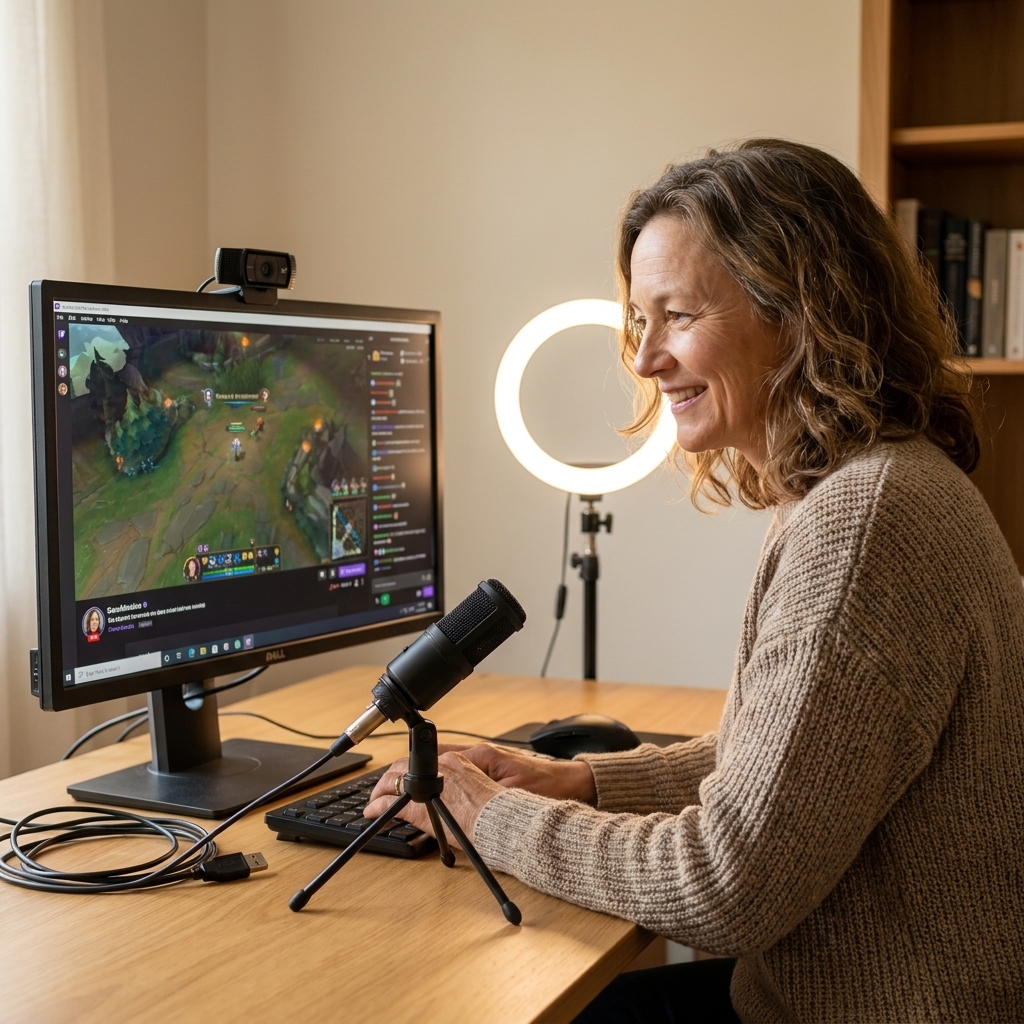
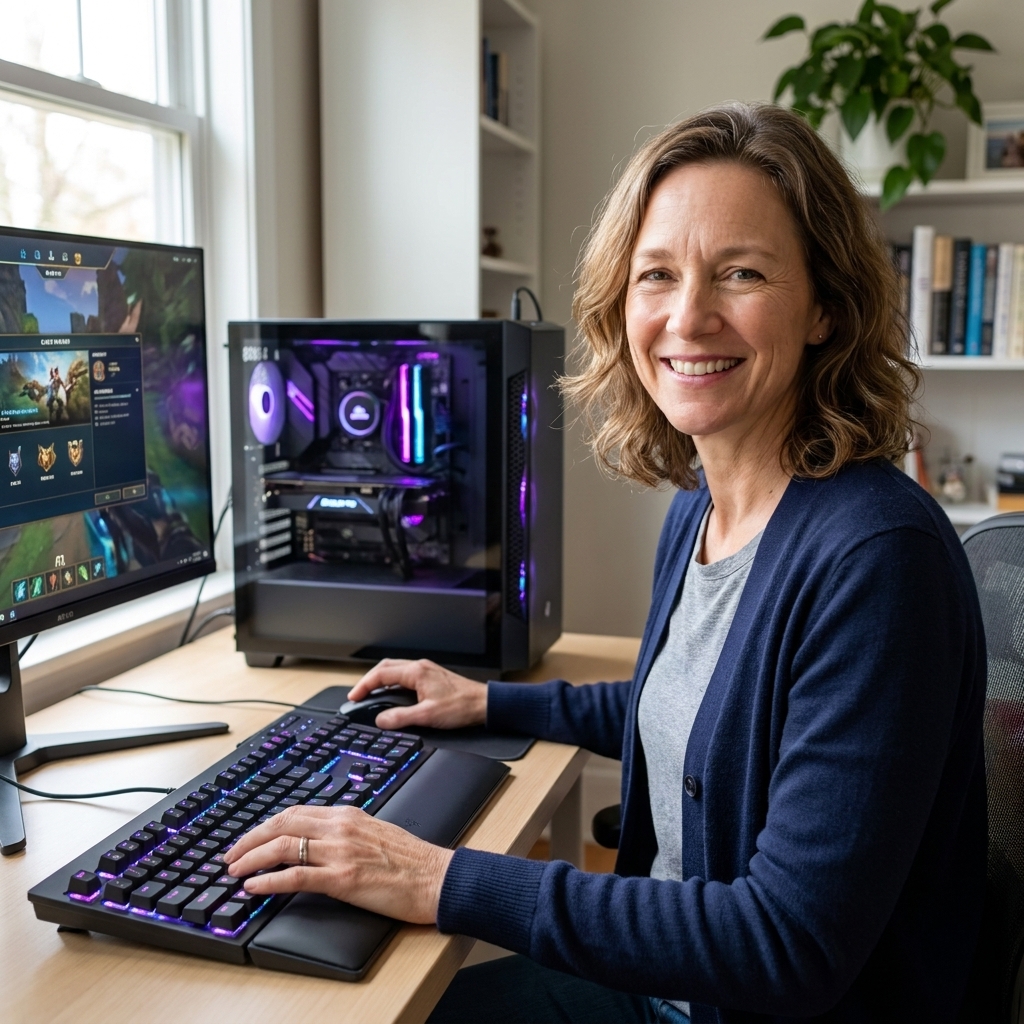
A PC can be a game machine, a creative tool, and a tinkering project. Even if you never want to build one from scratch, owning a PC invites customization: graphics settings, modding, controllers or keyboard and mouse , streaming, and upgrades over time.
- Best for: people who like options, want access to PC-only games and mods, or want one machine for gaming plus other hobbies
- Trade-off: more decisions upfront and occasional troubleshooting
Upfront costs
Sticker prices can be misleading because the starting line is different for each setup. Here is how the “real” first purchase often shakes out.
Console startup costs
- Console: typically the biggest single cost
- Second controller: if you plan on local co-op or family play
- Headset: optional, but common for voice chat
- Storage expansion: optional, but game installs are huge now
- Online subscription: often required for online multiplayer on consoles. On PlayStation and Xbox, most paid games require PS Plus or Game Pass Core for online play, while many free-to-play titles are exempt. On Switch, Nintendo Switch Online is generally required, with a few game-specific exceptions.
If you already have a TV and a decent place to sit, a console is usually the quickest route to “playing tonight.”
Entry-level gaming PC startup costs
- The PC itself: prebuilt or self-built
- Monitor: unless you already own one you like
- Keyboard and mouse: basic is fine to start
- Controller: optional, but nice for certain games
- Headset or speakers: optional
This is where PCs can feel more expensive. If you are starting from nothing, you are buying a whole “desk setup,” not just a console box.
Reality check: if you already own a solid monitor, keyboard, and mouse (or you work from home and have a desk setup), a gaming PC becomes a lot more attainable because you are not rebuilding your whole corner of the house.
Long-term costs
Online play and subscriptions
Consoles often gate online multiplayer behind a subscription. On PC, online multiplayer is generally free in the sense that you do not pay the platform holder just to access it. That said, a few games (especially some MMOs) still have subscriptions, and many titles offer optional passes or memberships that can feel like “another bill” even when they are not required.
Game prices and sales
Both ecosystems have sales, but PC storefronts are famously competitive. It is common to see older titles discounted heavily, and bundles are a real budget-saver. Consoles have great sales too, just typically with fewer competing stores.
Replacing vs. upgrading
- Console: you usually ride the generation, then consider a new console later
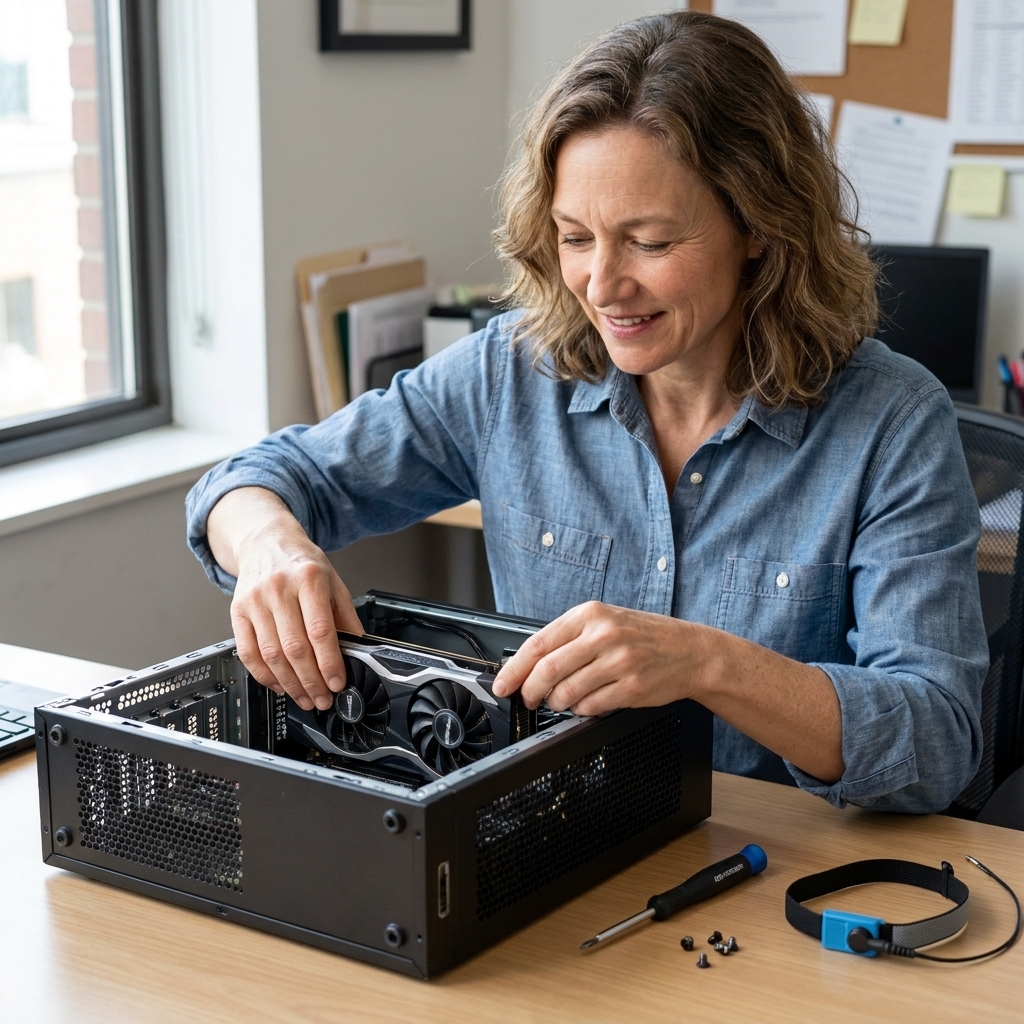
- PC: you can upgrade parts (often the graphics card first), or keep playing at lower settings longer
If you like the idea of buying something once and being done for years, console life is soothing. If you like the idea of gradually improving your setup like a garden you keep tending, PC life can be satisfying.
Hidden costs and gotchas
- Storage expansion: consoles can have specific requirements (like approved expansion cards or a compatible internal SSD), while PCs usually let you add more storage more freely.
- Peripherals: a second controller, a decent headset, a charging dock, or a mechanical keyboard can quietly add up.
- Repairs and warranty: consoles are simpler boxes to service through the manufacturer; PCs vary depending on whether you bought a prebuilt or assembled parts yourself.
- TV and monitor features: for 120 Hz and VRR, your TV or monitor (and your HDMI cable) matter. Consoles tend to be simpler here, while PCs give you more options and more settings.
Performance
Performance talk can get intimidating fast, so let’s ground it in what you will actually notice: how smooth the game feels, how sharp it looks, and how consistent it is.
Consoles: optimized consistency
Because developers know exactly what hardware is inside each console, many games are tuned for stable performance. You might choose between modes like “Performance” (higher frame rate) and “Quality” (higher resolution and visuals). The point is: someone else made the choices, and you get a clean menu toggle.
Entry-level gaming PCs: flexibility with a learning curve
An entry-level gaming PC can deliver excellent results, but you may need to adjust settings per game. The upside is control. If you prefer smoother motion, you can lower a few heavy hitters first (shadows, reflections, and fancy anti-aliasing are common places to start) and keep the game feeling great.
A helpful benchmark for beginners: if your goal is 1080p gaming (a very common monitor resolution), an entry-level gaming PC can feel fantastic for many popular games. If your goal is 4K on the newest releases with all the bells and whistles, your budget needs to climb.
Where PCs clearly pull ahead
- High frame rate gaming: especially for competitive titles if you have a high refresh-rate monitor
- Ultra-wide and multi-monitor: more flexible support
- Mods and community improvements: performance patches, texture packs, quality-of-life changes
Where consoles still shine
- Plug-and-play living room performance: no drivers, fewer settings
- Convenience features: things like Quick Resume on some consoles, plus solid rest mode options
- Less fiddling required: which is a feature, not a flaw
Game libraries
Console strengths
- First-party exclusives: console makers often fund big, polished titles (and yes, some do come to PC later, while others stay more locked to one ecosystem)
- Local multiplayer culture: easier to set up on the TV for family and friends
- Physical games: if you like shelves, swapping, borrowing, and resale
PC strengths
- Huge variety: indie games, early access gems, niche genres
- Mods: from small tweaks to entirely new experiences
- Older games: many classics remain playable, sometimes with community fixes
- Multiple storefronts: more ways to find deals and bundles
Crossplay and playing with friends
More games support crossplay now, but not all. If your main goal is “play with my specific friends,” start there. Ask what they are on, and check whether your must-play games support crossplay across console and PC.

Ease of use
Console is simpler day to day
Updates happen, but they are usually straightforward. You will spend more time playing and less time deciding.
PC asks for a little maintenance
Most PC gaming days are smooth, but you will occasionally run into:
- graphics driver updates
- game launcher updates
- graphics settings that need tweaking
- a weird issue that magically resolves after a restart (the oldest spell in computing)
If that sounds like a dealbreaker, it is okay. A hobby should restore you, not become another chore.
Comfort and space
Consoles love the living room
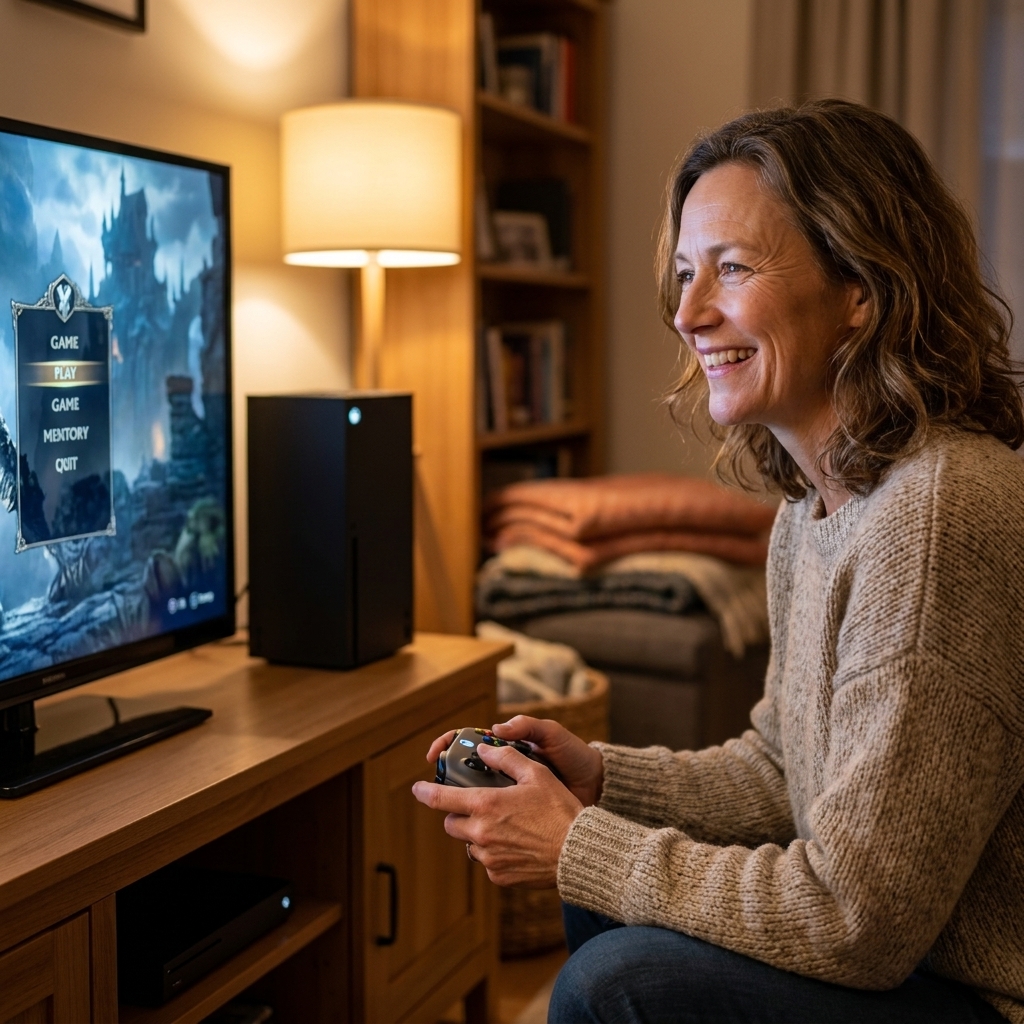
If you want to sprawl on the couch, share a screen, or keep gaming in a communal space, consoles are built for that. They are also often easier to keep quiet than a performance PC, depending on the console model, ventilation, and how dust-free your setup is.
PCs tend to claim a corner
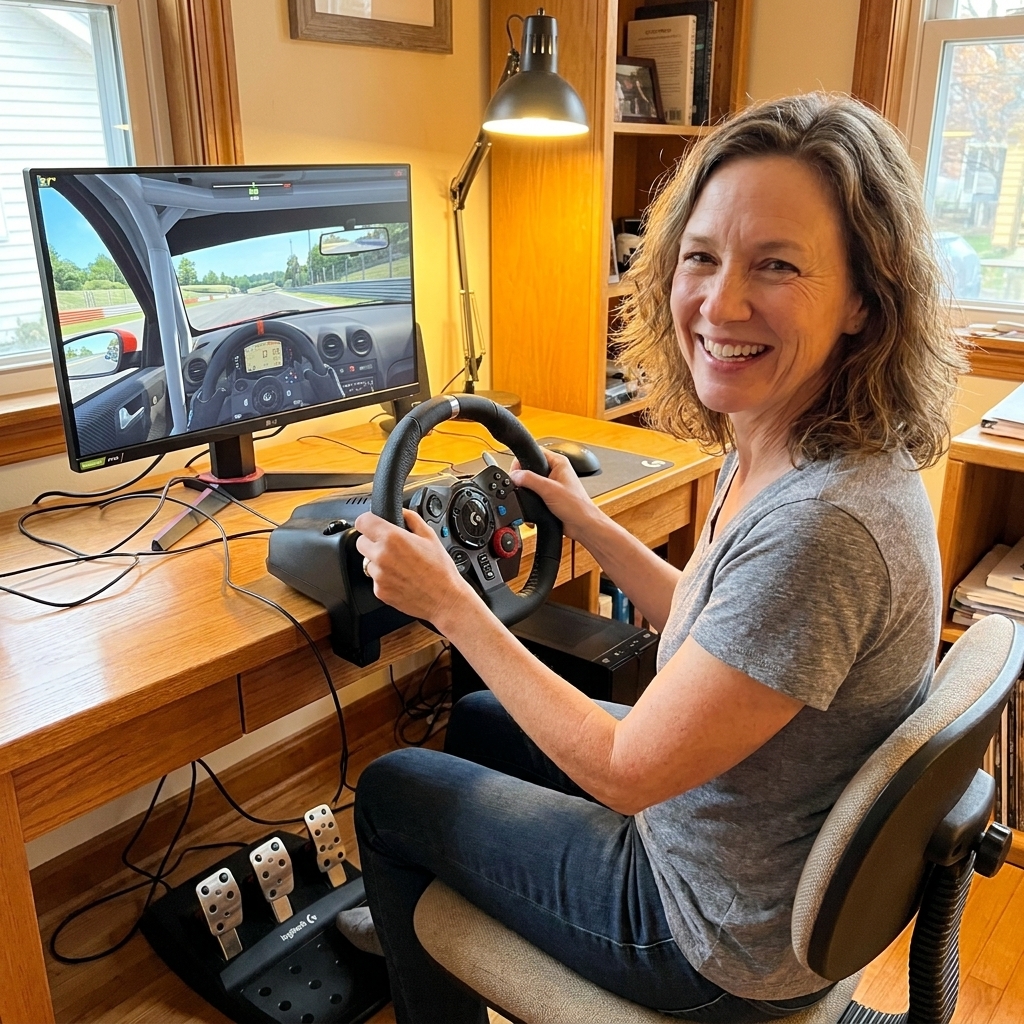
A gaming PC is happiest with a desk, a chair you like, and a monitor placed at a good height. If you already want a desk setup for other hobbies like photo editing, music, 3D printing, writing, or digital art, the PC starts to feel like a multi-tool rather than a single purchase.

Which should you buy?
Choose a console if you want
- the simplest path from purchase to play
- couch gaming on a TV
- predictable performance without tweaking settings
- local multiplayer that is easy to set up
- specific exclusives you do not want to wait on
Choose an entry-level gaming PC if you want
- more control over performance and visuals
- mods and PC-only genres
- better long-term flexibility through upgrades
- one machine for gaming plus other creative hobbies
- frequent game deals and a huge library of indie titles
Choose based on beginner joy
Here is my gentle librarian heart speaking: if you are new to gaming as a hobby, it is okay to prioritize ease. A console can be a wonderfully welcoming on-ramp. If you already enjoy tinkering and learning systems, a PC can be part of the fun, not a barrier.
Budget snapshots
Prices change constantly, so think of these as starter mindsets rather than fixed numbers.
Lowest friction: console plus one game
- console
- one game or a game subscription
- optional online membership if you want multiplayer
Who this fits: you want to start playing this weekend with minimal research.
Best value if you already own a monitor
- entry-level gaming PC or a modest prebuilt
- reuse your existing monitor, keyboard, and mouse
- add a controller later if desired
Who this fits: you have a desk setup already and want access to PC’s massive library.
Family and friends focus: console plus extra controller
- console
- second controller
- a couple of party games or co-op favorites
Who this fits: your living room is your social hub.
Common questions
Is a gaming PC always more expensive than a console?
Not always, but it can be if you need to buy the whole setup (monitor, keyboard, mouse) from scratch. If you already own those basics, the gap shrinks. Over time, PC game sales and upgrade flexibility can also balance costs.
Will an entry-level gaming PC last?
Yes, with expectations. You may not play every brand-new blockbuster at ultra settings forever, but you can often lower settings and keep enjoying games. And you can upgrade parts later instead of replacing everything at once.
What if I just want to play with friends?
Buy what your friends play on, unless the games you all care about support crossplay. Friendship is a very practical hardware requirement.
Do I need to build a PC myself?
No. Prebuilt gaming PCs can be a perfectly good start. If you decide you enjoy the “workshop” side of PC gaming later, you can learn upgrades one small step at a time.
What about handhelds and portability?
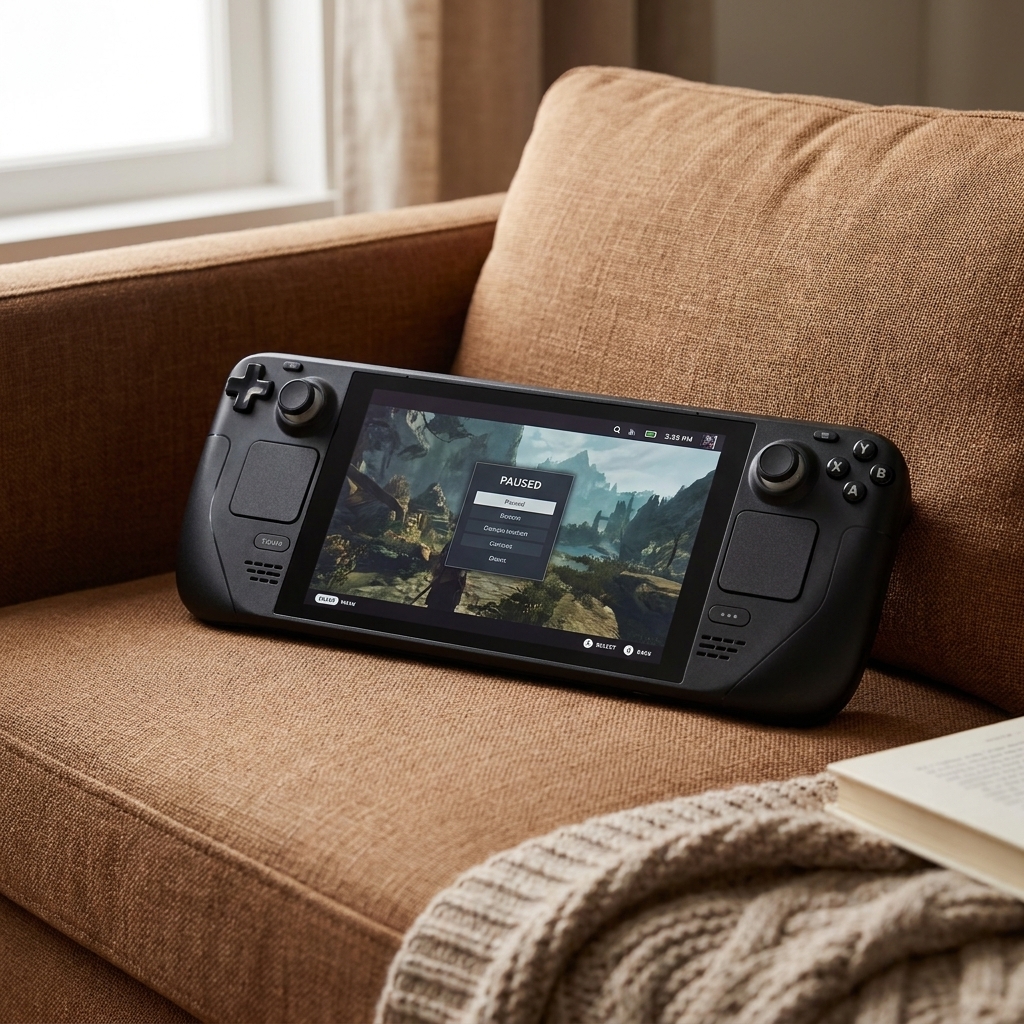
If portability is the point, it is worth considering a Switch, a Steam Deck, or other handheld PCs. Remote Play and cloud streaming can also blur the lines, depending on your internet and tolerance for a little setup.
My calm recommendation
If you want gaming to feel like a relaxing hobby right away, start with a console and give yourself permission to keep it simple.
If you want gaming to be a hobby plus a flexible creative tool, and you do not mind a little learning curve, an entry-level gaming PC can be a delight. It is the difference between buying a great board game and building a whole game shelf that you keep customizing.
Either way, your best investment is the one that makes it easiest to show up, press start, and actually play.