
Sim racing looks like one of those hobbies where you either spend $200 or you accidentally wake up owning a cockpit, three monitors, and a chair that looks like it could eject you into orbit.
The good news is you can get legit immersion on a reasonable budget if you focus on the parts that matter most: a force-feedback wheel, dependable pedals, and a mount that does not wobble like a newborn deer.
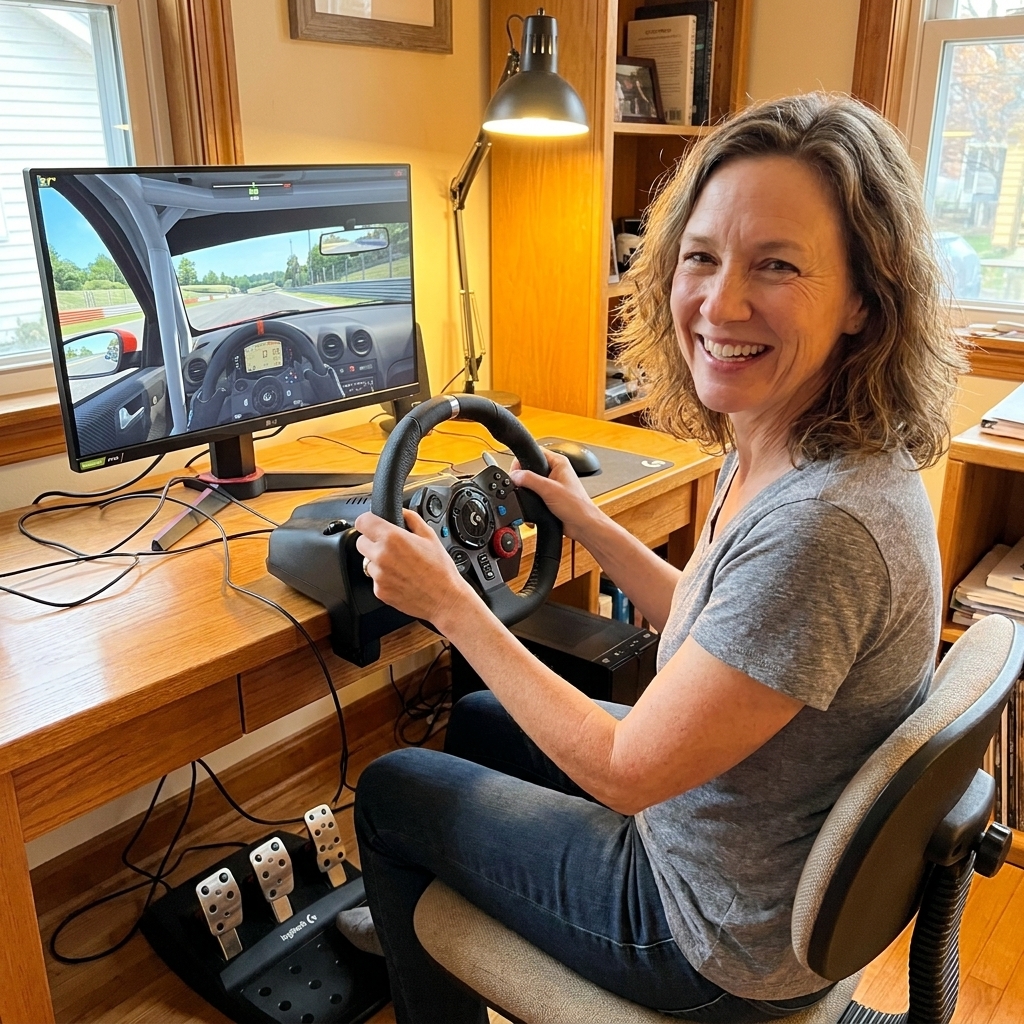
Below is what I would buy for a first setup, how to keep costs down, and how to upgrade later without rebuying everything. Price note: these are typical street-price ranges as of 2026, and sales or used finds can bump you up a tier (or two) for the same money.
What matters most
If you only remember three things, let them be these:
- Force feedback beats “more buttons.” Feeling the car load up in a corner teaches you faster than any fancy display.
- Pedals are your consistency. Smooth braking and throttle control come from pedals that do not slide, flex, or spike.
- Mounting is the unglamorous hero. Even a great wheel feels bad if your desk shakes and your pedals run away.
Everything else is optional at the beginning. Yes, even the shifter. Yes, even the handbrake. We can be fancy later.
Budget tiers
Tier 1: Just start ($250 to $400)
- Wheel + pedals: Logitech G29 (PlayStation/PC) or G920 (Xbox/PC), or Thrustmaster T128 (platform-specific versions).
- Mounting: Desk clamp (if your desk is sturdy) plus a cheap pedal fix like a grippy mat or a DIY board.
Ideal if you are still figuring out whether you love sim racing or just love the idea of it.
Tier 2: Solid and comfy ($450 to $700)
- Wheel base + wheel + pedals: Thrustmaster T300 RS (PS/PC) or TX (Xbox/PC), or an entry direct drive bundle if you catch a sale.
- Mounting: Wheel stand (foldable) with a chair cradle or straps.
The sweet spot for a lot of people. The driving feel jumps, and the stand makes the whole thing less fussy.
Tier 3: Buy once ($700 to $1,100)
- Direct drive bundle: Look for an entry DD base with a wheel and pedals from brands like Moza, Fanatec, or Logitech. Examples that often show up in this range (especially on sale) include bundles like Fanatec CSL DD, Moza R5, or Logitech G Pro (pricing varies a lot by region).
- Mounting: A sturdier stand or an entry cockpit if you have space, and make sure it is rated for the torque of your DD base.
Direct drive is not required, but if you already know you are all-in, it is a strong long-term foundation.
Picking a wheel
Here is the simplest way to decide: pick your platform first, then pick the best deal in a proven model line.
Logitech G29 / G920 / G923
Why people love them: Tough, widely supported, and easy to resell. Force feedback is gear-driven, which can feel a bit notchy, but it still teaches you car control beautifully.
- G29: Best if you play on PlayStation or PC.
- G920: Best if you play on Xbox or PC.
- G923: Usually pricier, sometimes worth it on sale, not mandatory.
Budget tip: These are everywhere on the used market. If you can test it, you can often save a lot.
Thrustmaster T128
Why it works: Strong beginner value, smaller footprint, decent feedback for the price. It is a good first wheel if you need something light and simple.
Heads-up: Make sure you are happy with the included pedals, or plan a pedal upgrade sooner.
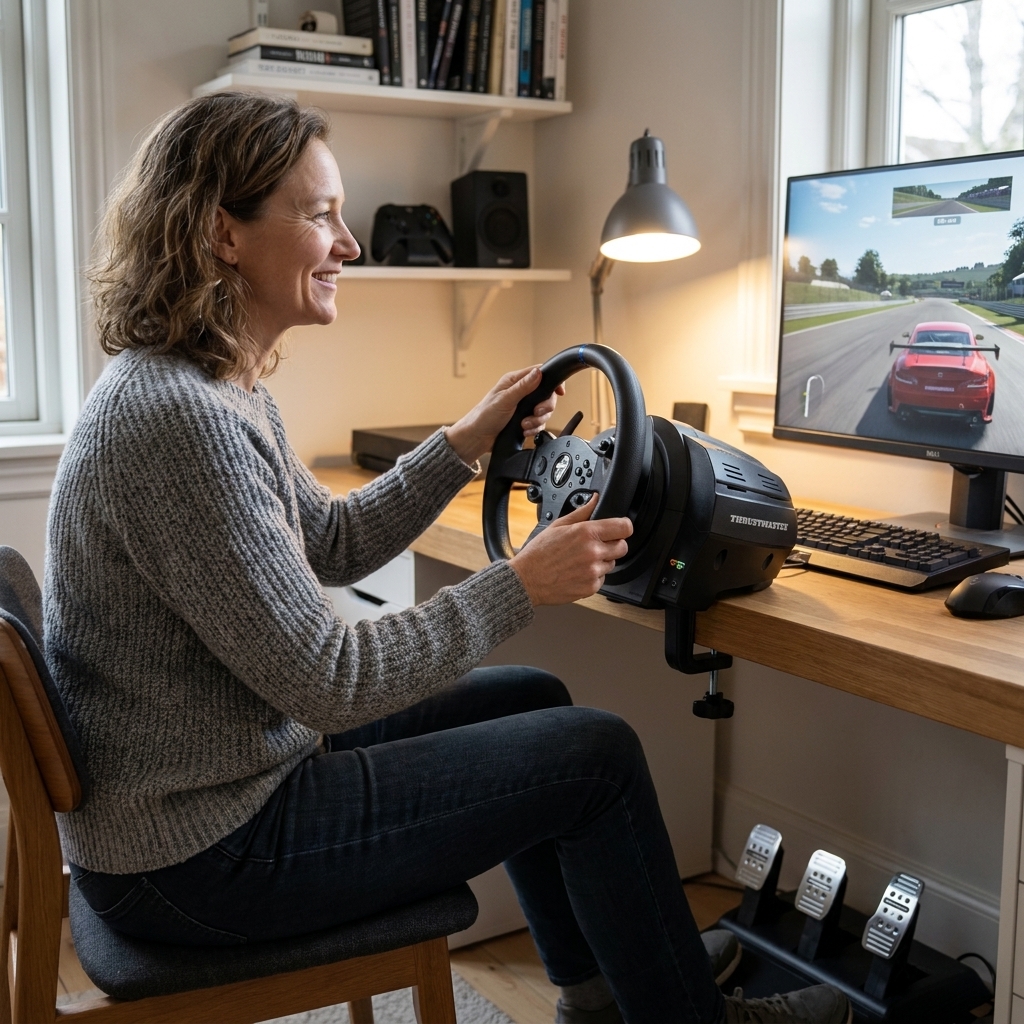
Thrustmaster T300 RS / TX
Why it is popular: Belt-driven force feedback is smoother and quieter than gear-driven wheels. You also get access to the Thrustmaster ecosystem of rims and pedals.
Heads-up: New prices can be high. It shines when you catch a sale or find a well-kept used unit.
Entry direct drive bundles
If you see a bundle deal on an entry-level direct drive base, it can be one of the best feel-per-dollar purchases. The feedback is more detailed, and you can grow into it for years.
Compatibility reminder: Console support is brand and model specific, so check carefully if you are not on PC.
Pedals
New sim racers often focus on the wheel and forget the pedals. Then they wonder why braking feels like trying to land a plane on a trampoline.
What to look for
- Stability: A wide base, good grip, or a way to bolt them down.
- Smooth inputs: No random spikes or scratchy potentiometers if you can help it.
- Upgrade path: The ability to add a better brake later is a big win.
Load cell brakes
A load cell brake measures pressure instead of pedal travel. Translation: for most drivers, it makes consistent braking easier to learn and easier to repeat under stress.
If your starter pedals feel fine, do not rush. But if you want one meaningful upgrade later, a load cell brake is usually it.
Easy upgrade paths
- PC: Consider load-cell pedals that can connect by USB, so you can upgrade pedals without changing your wheel base. Some pedals need a separate USB adapter, so check before you buy.
- Console: It is usually simplest to stay in the same brand ecosystem as your wheel base, because mixing brands can be limited.
Mounting basics
Let us talk about the part nobody daydreams about but everybody ends up needing.
Option 1: Desk clamp
Works if your desk is sturdy and does not flex. Particleboard desks can be… emotionally fragile. If your wheel makes the desk wobble, it is harder to trust what you are feeling.
- Quick fix: Tighten the clamp, add a thin rubber mat, and lower force feedback until it feels controlled.
- Pedal fix: Put pedals against a wall or brace them on a board.
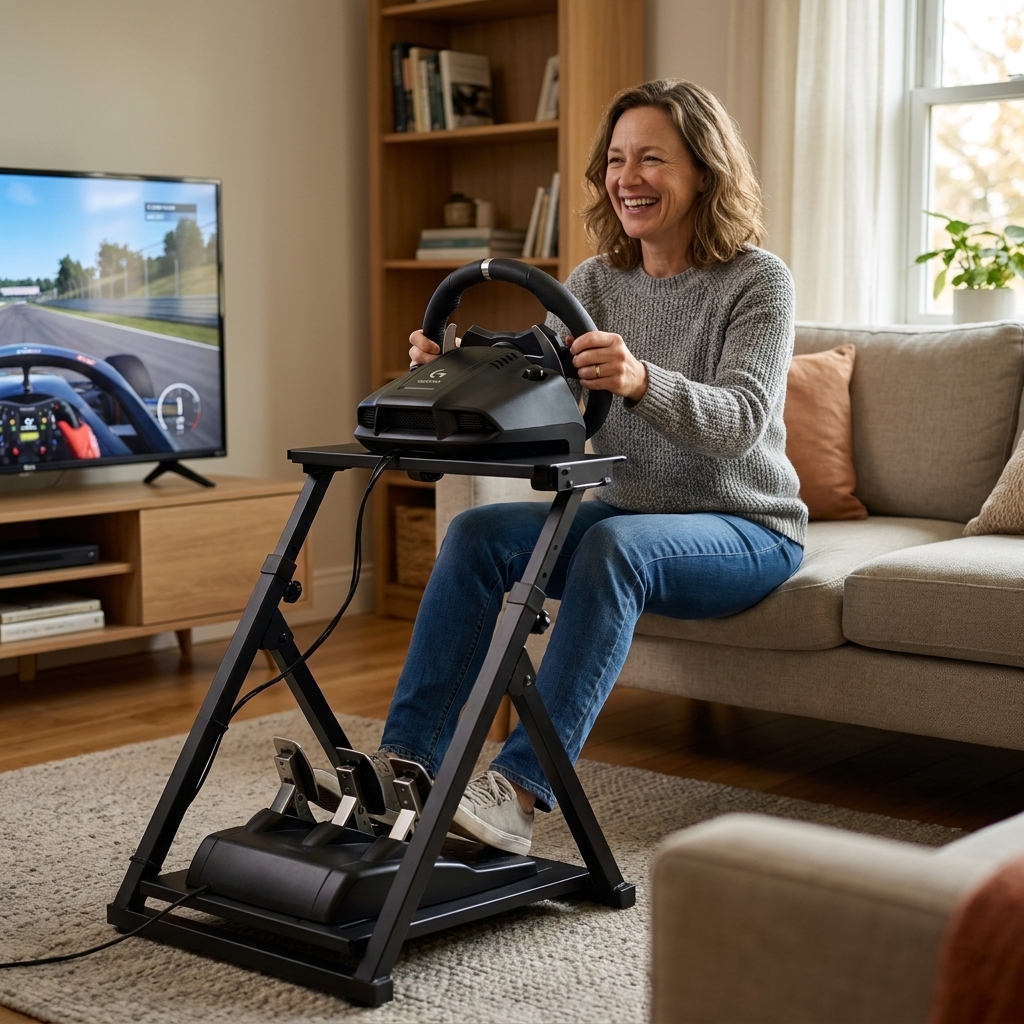
Option 2: Wheel stand
A foldable wheel stand is the budget sweet spot for many people. It keeps your wheel and pedals together as a single unit, which stops the “everything is sliding away” problem.
Look for: a center post that does not interfere with your braking foot too much, a solid pedal plate, and some way to keep your chair from rolling back.
Option 3: Entry cockpit
If you have the space, a basic cockpit can be great. Just remember you are not buying speed. You are buying comfort and consistency.
DIY mounting
My librarian heart loves a practical hack. If you are handy, a simple plywood base can solve a lot:
- Mount the pedals to a plywood board with screws.
- Add rubber feet or an old yoga mat underneath.
- Brace the board against a wall, or add a small block that catches the chair legs.
It is not glamorous, but it keeps everything where your feet expect it to be.
Noise and neighbors
Budget gear can be louder than you expect. Gear-driven wheels can chatter, and load cell brakes can thump. A cheap rubber mat, foam tiles, or isolator pads under your stand can save your relationships.
PC vs console
On PC
- Best compatibility: Most wheels and pedals play nicely, and you can mix brands more easily.
- Small caveat: Some pedals need their own USB connection or an adapter, and some ecosystems prefer you stay “inside the family” for firmware and easy setup.
- Best value on games: Sales are common, and you have lots of sim options.
On PlayStation or Xbox
- Check compatibility twice: Many wheel bases are platform locked.
- USB mixing is limited: Plug-and-play ecosystems are simpler on console, but less flexible.
If you are unsure, pick the wheel made specifically for your console family. It prevents a lot of late-night troubleshooting that ends with you whispering, “Why is nothing recognized?” to an unplugged USB cable.
Shopping lists
Setup A: The common starter
- Logitech G29 or G920 wheel + pedals
- Sturdy desk or basic wheel stand
- Non-slip mat (or yoga mat) for pedals
Setup B: The smoother step-up
- Thrustmaster T300 RS (PS/PC) or TX (Xbox/PC)
- Wheel stand with chair cradle or strap
- Optional: load cell pedal upgrade when budget allows
Setup C: Entry direct drive
- Direct drive bundle (base + wheel + pedals)
- Sturdy stand or cockpit rated for DD torque
- Optional: USB load cell pedals on PC for a simple future upgrade
My gentle recommendation: If you are truly unsure, choose Setup A used. If you already know you will race weekly, start at Setup B or a discounted DD bundle and save yourself a mid-year re-buy.
Buying used
Used gear is how many people get into sim racing without breaking the bank. A few quick checks go a long way:
- Test force feedback: In a game menu, turn the wheel lock to lock and feel for grinding, dead zones, or weird clicking.
- Check the pedals: Inputs should be smooth. If you can, watch the input bars in a settings menu.
- Inspect clamps and cables: Missing clamps are surprisingly common and annoying to replace.
- Smell test: If it smells like burnt electronics, politely back away.
If the seller cannot demonstrate it working, treat it as a “for parts” price. Your future self will thank you.
Games to start
You do not need a giant library. You need one or two games that make you want to come back.
- Assetto Corsa (PC): Often cheap, huge community, lots to explore.
- Assetto Corsa Competizione: Great GT racing focus.
- iRacing (PC): Subscription model, strong online racing structure.
- Gran Turismo (PlayStation): A fantastic place to learn and progress.
- Forza Motorsport (Xbox/PC): Accessible entry point with generally decent wheel support, but it can be finicky and settings matter more than you think.
Pick the one that matches the kind of racing you daydream about. That is the one you will practice.
First-week checklist
- Mount everything firmly. Tighten clamps, secure pedals, remove wobble.
- Update drivers and firmware. Especially on PC. It fixes a surprising number of “why is this weird?” moments.
- Calibrate inputs. Set wheel rotation and pedal ranges in-game.
- Use rotation starting points. Try 900 degrees for most road cars as a baseline. For many faster cars, 540 to 720 degrees can feel better. Treat these as starting points, then adjust by feel.
- Lower force feedback at first. Start comfortable, then increase gradually.
- Adjust seating. Knees slightly bent at full brake, wheel roughly around chest height, and with your wrists able to rest on top of the rim when you sit back.
- Set a simple goal. Ten clean laps beats one heroic crash-fest.
This is the boring part that makes the fun part feel incredible.
Common pitfalls
- Not enough USB ports (PC): Wheels, pedals, shifters, and headphones add up fast. A powered USB hub can save your sanity.
- Console licensing surprises: A wheel base can be perfect on PC and useless on your console if it is not licensed for it.
- Mount flex: If braking makes your stand twist, you will chase consistency forever. Fix the mount before you blame your skills.
FAQ
Do I need a shifter?
No. Paddle shifting is common in modern racing, and it keeps your starter budget focused. Add a shifter later if you love classic cars, drifting, or rally.
Can I sim race with a controller first?
Absolutely. A controller is a great way to see if you like the racing side of the hobby. The wheel makes it more immersive and more precise, but you are not behind for starting with what you have.
Is direct drive worth it for a beginner?
It can be, especially if you know you will stick with sim racing for the long haul. But it is not required to learn, have fun, or race online. A solid belt or gear-driven wheel can carry you a very long way.
What is the single best upgrade after a starter wheel?
Usually a better brake, especially a load cell brake, plus a sturdier mount if you are still on a wobbly desk.
Permission to be a beginner
Sim racing is one of those hobbies where improvement comes from tiny, calm repetitions. You will spin. You will miss braking points. You will accidentally pit maneuver a stranger and then sit there in shame like, “I swear I am a nice person.”
Build a setup that feels stable, choose one game, and give yourself a few weeks to be delightfully average. That is how every fast driver started too.